
The Features Walkthrough is your guided tour of everything inside the WPLP Compliance Platform. This isn’t just a list of buttons and menus. You’ll see what each feature does, why it matters, and how to use it in real situations.
The section will give you the confidence to not just navigate the platform but to actively use its features to keep your website compliant and trustworthy.
At the top of the dashboard, you’ll find a few essential navigation options that make managing your compliance platform easier:
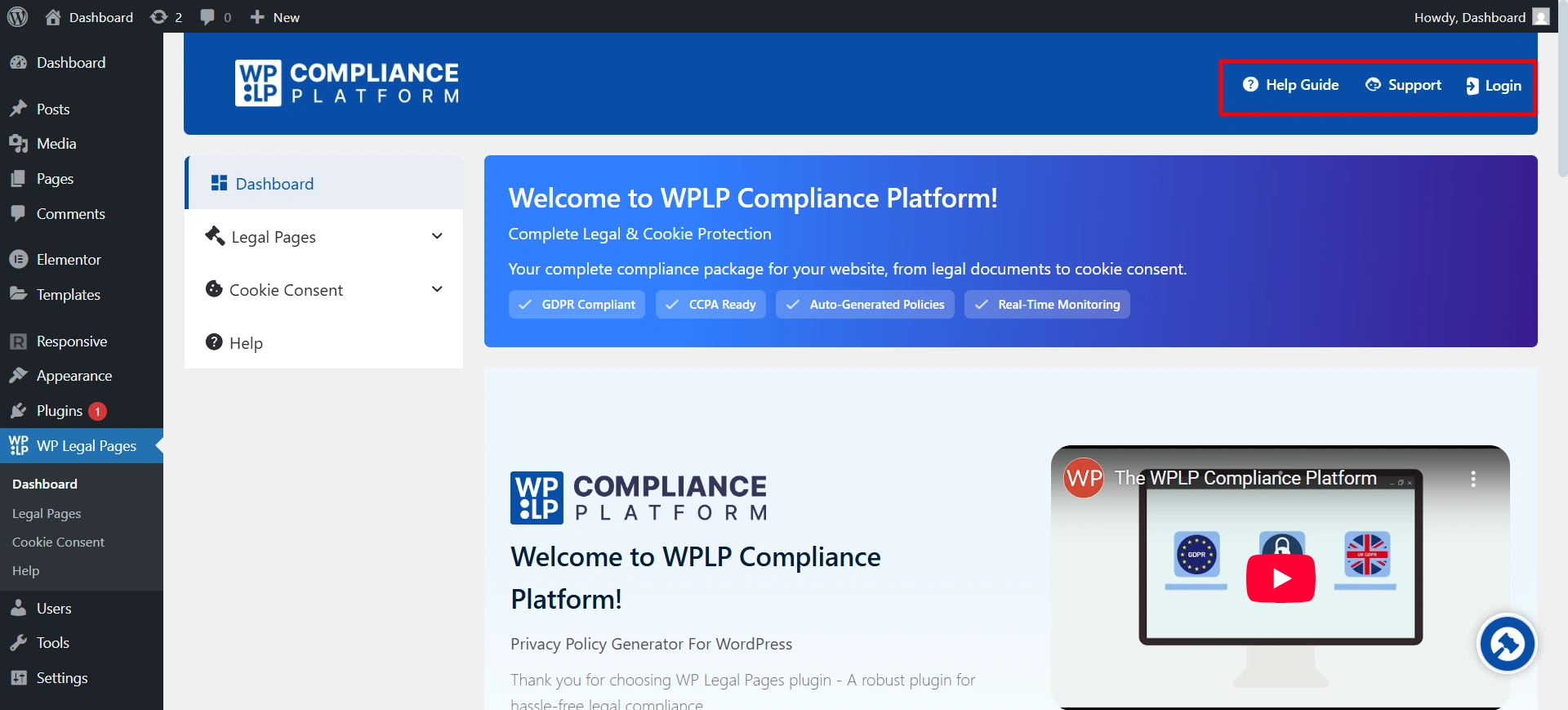
- Help: A quick access point to guides, FAQs, and tutorials in case you get stuck or want to learn how to use a feature.
- Notifications: Keep you updated with important alerts such as compliance reminders, policy updates, or system changes.
- Support: Direct access to customer support if you need assistance with troubleshooting, setup, or advanced questions.
- Logout: A Way to securely exit your account when you’re done.
Now, let’s break down all the features you have in the dashboard.
1. Usage Overview: This section tracks how much of your plan you’ve used:
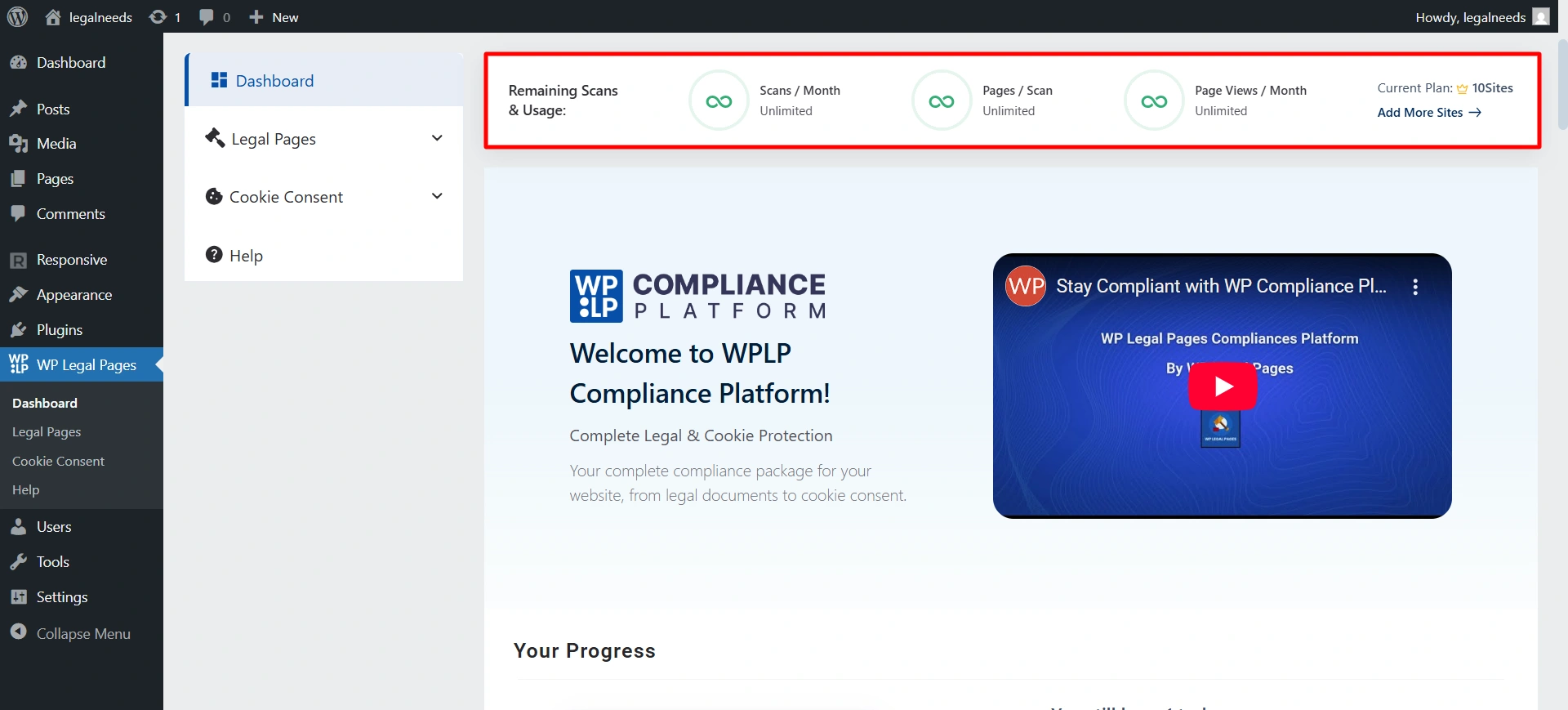
- Remaining Scans & Usage: % of available scans left.
- Scans / Month: How many scans are used and how many are left?
- Pages / Scan: How many pages per scan, and the remaining capacity.
- Page Views / Month: Total page views left under the plan.
- Current Plan: Shows your plan type (e.g., Professional).
- Upgrade Button: Lets you upgrade to a higher plan.
2. Quick Actions
- Create Your Legal Pages: Shortcut to generate legal pages.
- Your Site’s Cookie Banner: Shortcut to configure and customize the cookie banner.
3. Cookie Summary: It shows the overview activity of the cookie.
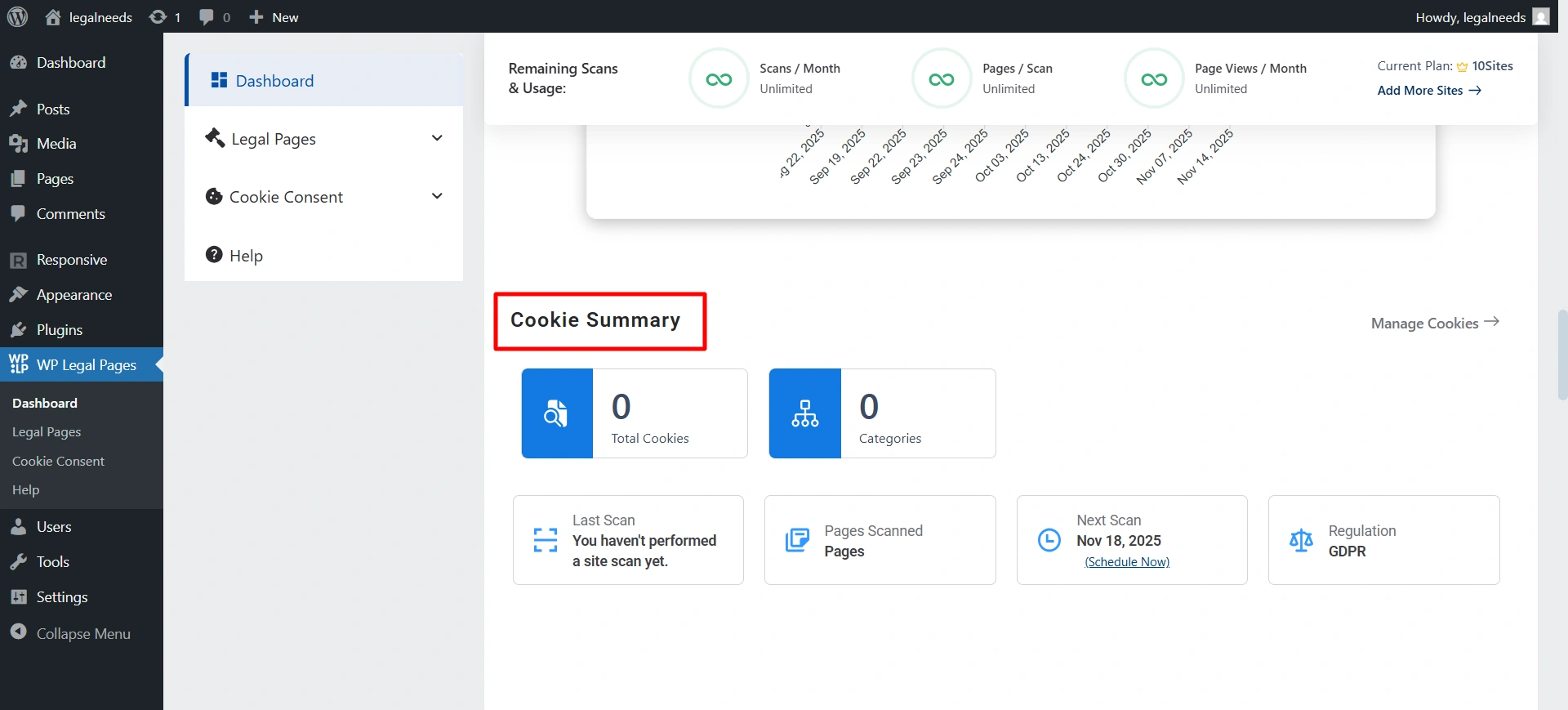
- Total Cookies: Number of cookies detected.
- Categories: Cookie categories (e.g., functional, analytics, marketing).
- Last Scan: Timestamp of the last cookie scan.
- Page Scan: Number of pages scanned.
- Regulation: Shows compliance regulations detected (GDPR, CCPA).
- Next Scan: Schedule status for the next scan.
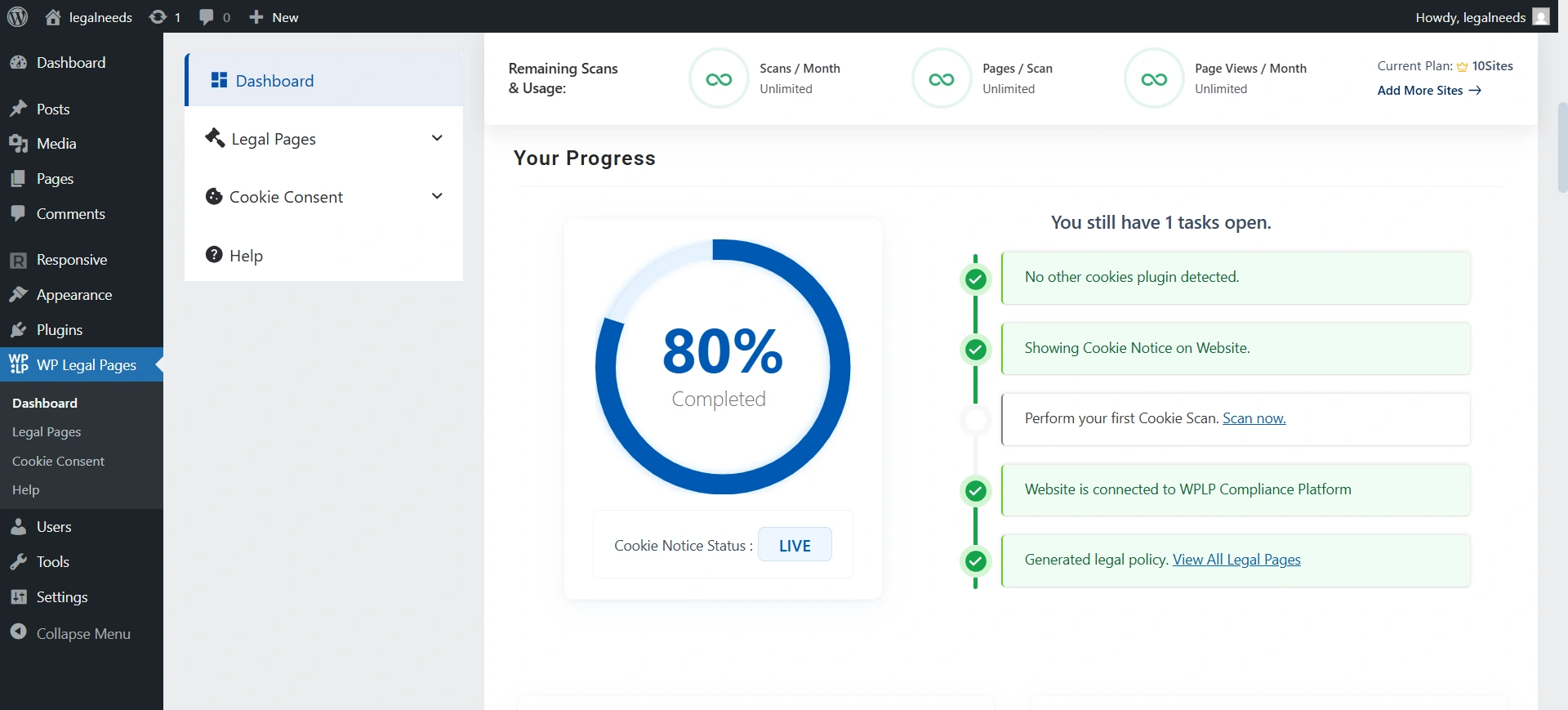
4. Your Progress: Each milestone (detect plugins, scan cookies, connect account, generate legal pages) helps you move toward full compliance.
Action: Follow the checklist. If an item shows incomplete, click the provided link (e.g., Install WP Legal Pages) to complete it.
Check Cookie Status: Ensure Cookie Notice Status = LIVE for active compliance.
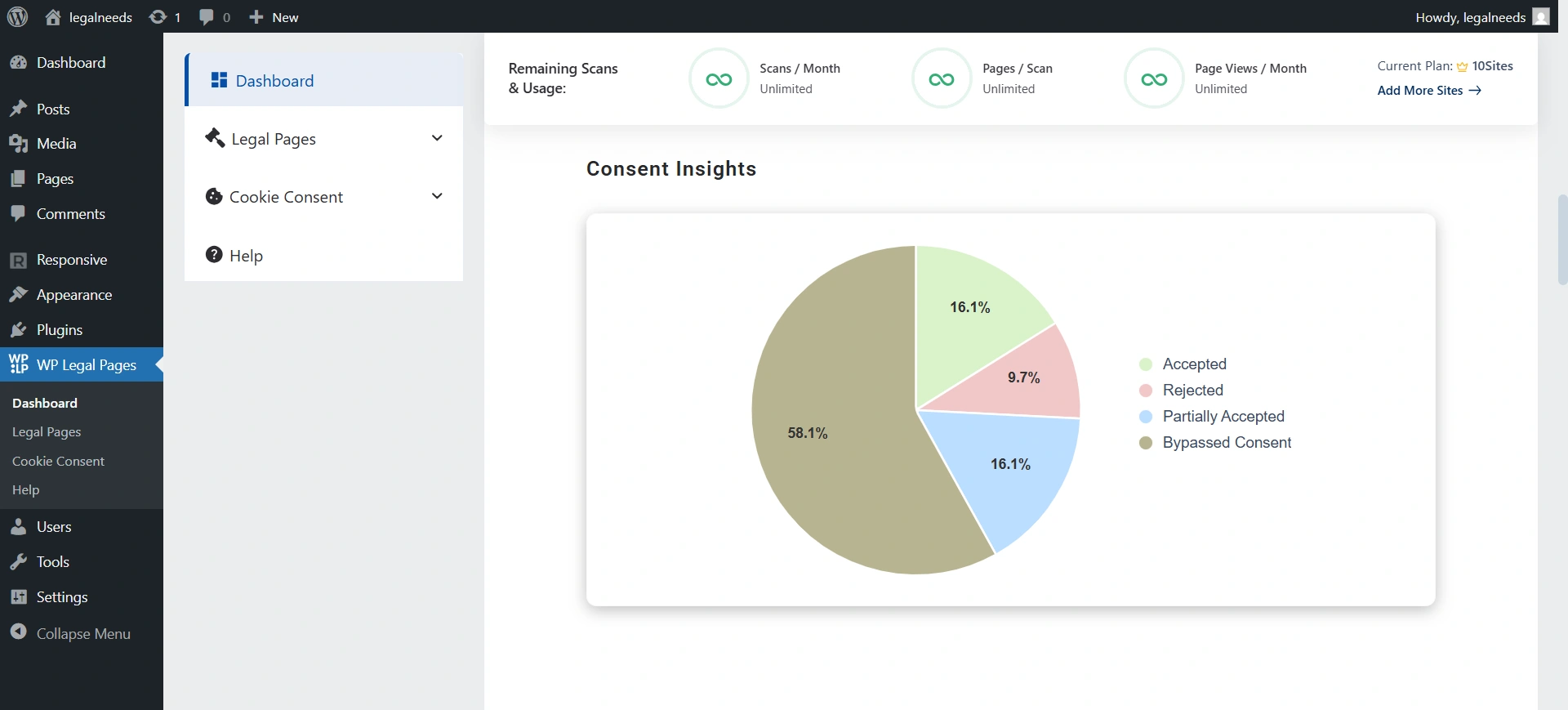
5. Consent Insights: Use the donut chart to see what percentage of visitors accept, reject, or partially accept cookies.
Action: If rejections are high, refine banner messaging to build trust.
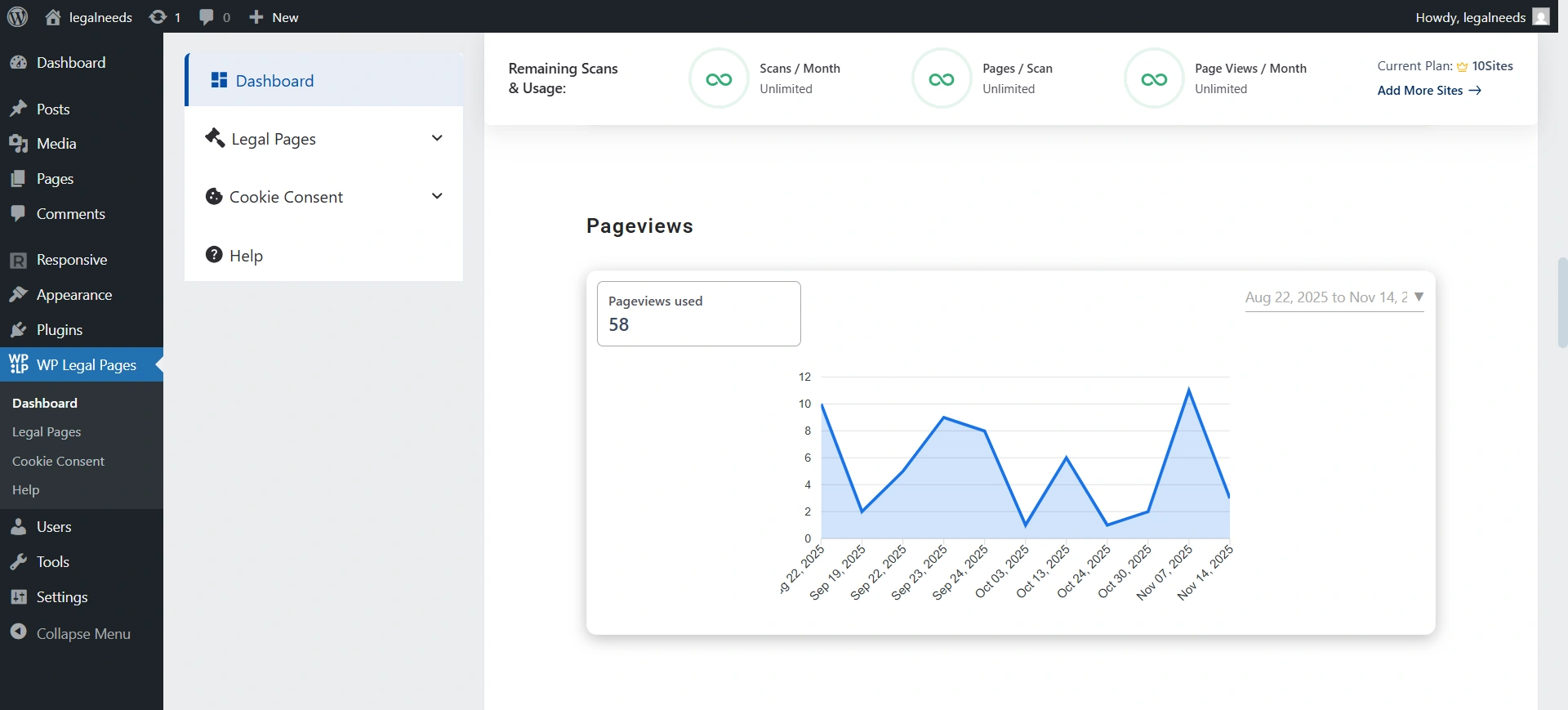
6. Page Views: Shows traffic analytics, how many visitors saw your consent banner, and on which pages. Useful for understanding banner visibility.
Action: Compare traffic trends with consent activity to see if banner changes affect engagement.
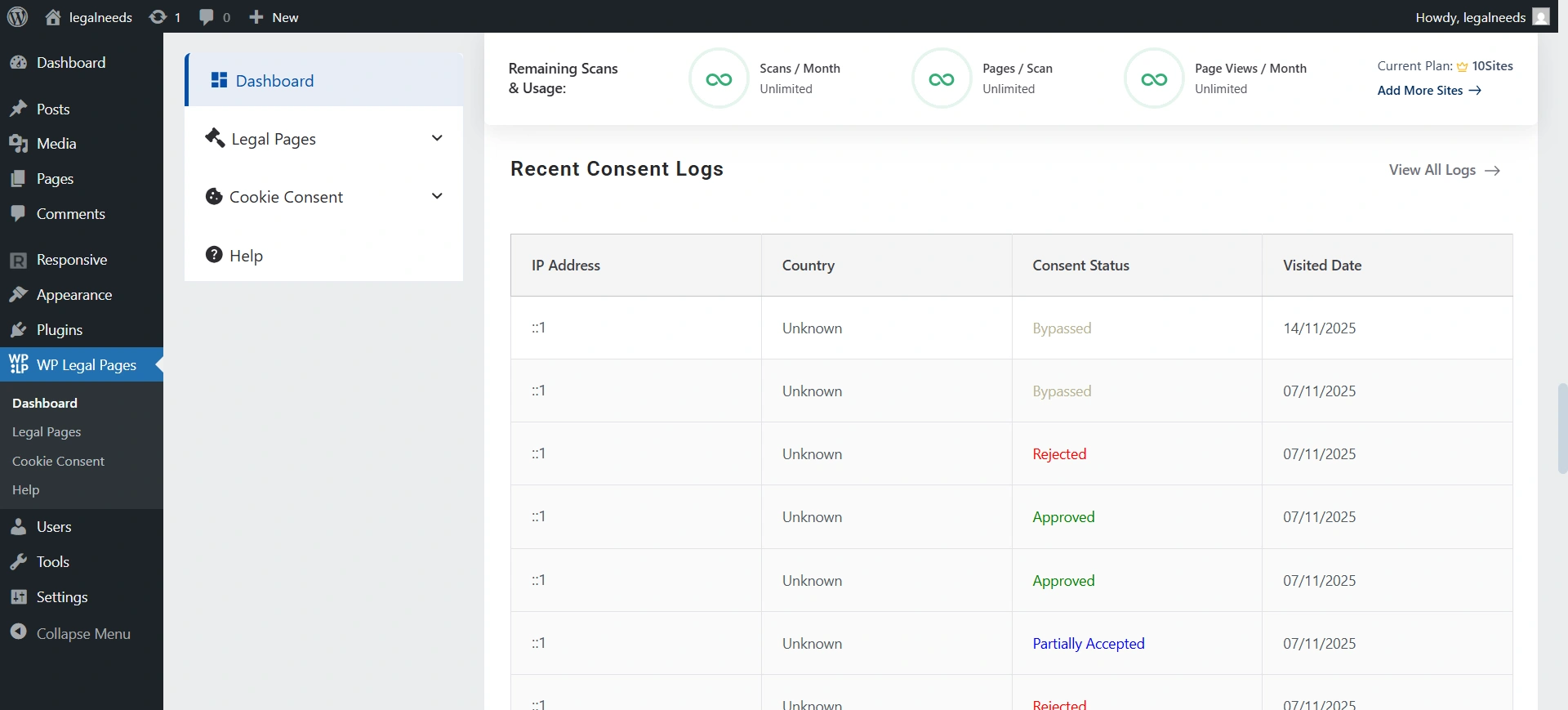
7. Recent Consent Logs: A detailed log of recent user actions (who accepted, rejected, or changed consent).
Action: Click View All Logs for the complete history. Export logs if needed for audits.
8. Geo-Wise Consent Statistics: Hover over a country to see acceptance/rejection rates.
Action: If certain regions show high rejection, consider tailoring your banner text or adjusting categories for that audience.
9. Quick Links: Shortcut links to important actions/settings.
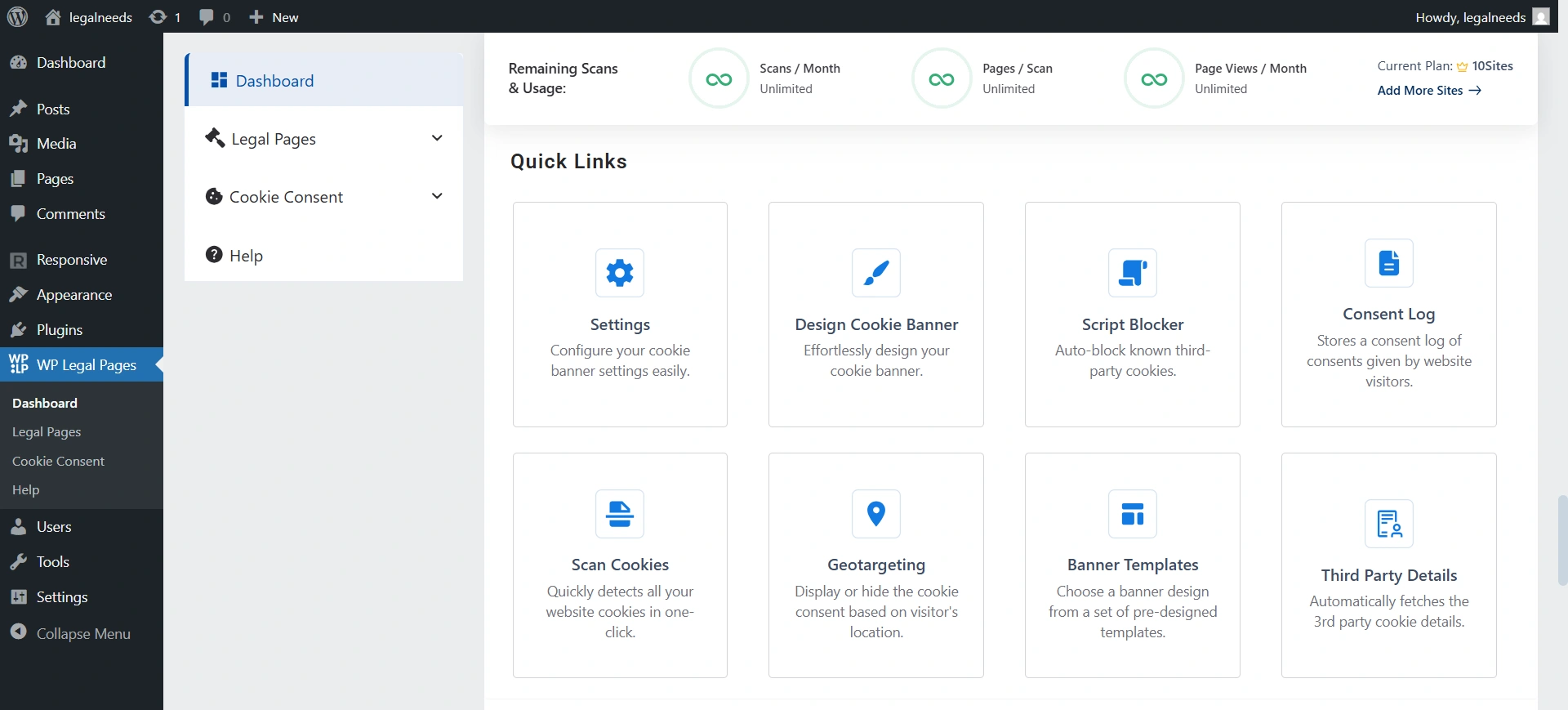
- Settings: Configure how consents are stored.
- Script Blocker: Enable/disable auto-blocking of non-essential cookies before consent.
- Scan Cookies: Run a new cookie scan on demand.
- Banner Templates: Choose from pre-built banner designs.
- IAB TCF: Enable IAB Europe Transparency & Consent Framework integration.
- Design Cookie Banner: Fine-tune text, styling, and placement.
- Consent Log: Access all saved consent records.
- Google Consent Mode v2: Integrate with Google Ads/Analytics.
- Configure Legal Pages: Manage and update legal documents.
- Geotargeting: Show region-specific banners.
10. Resources: Learning materials, compliance guides, tutorials, and documentation to help you configure the platform correctly and stay compliant.
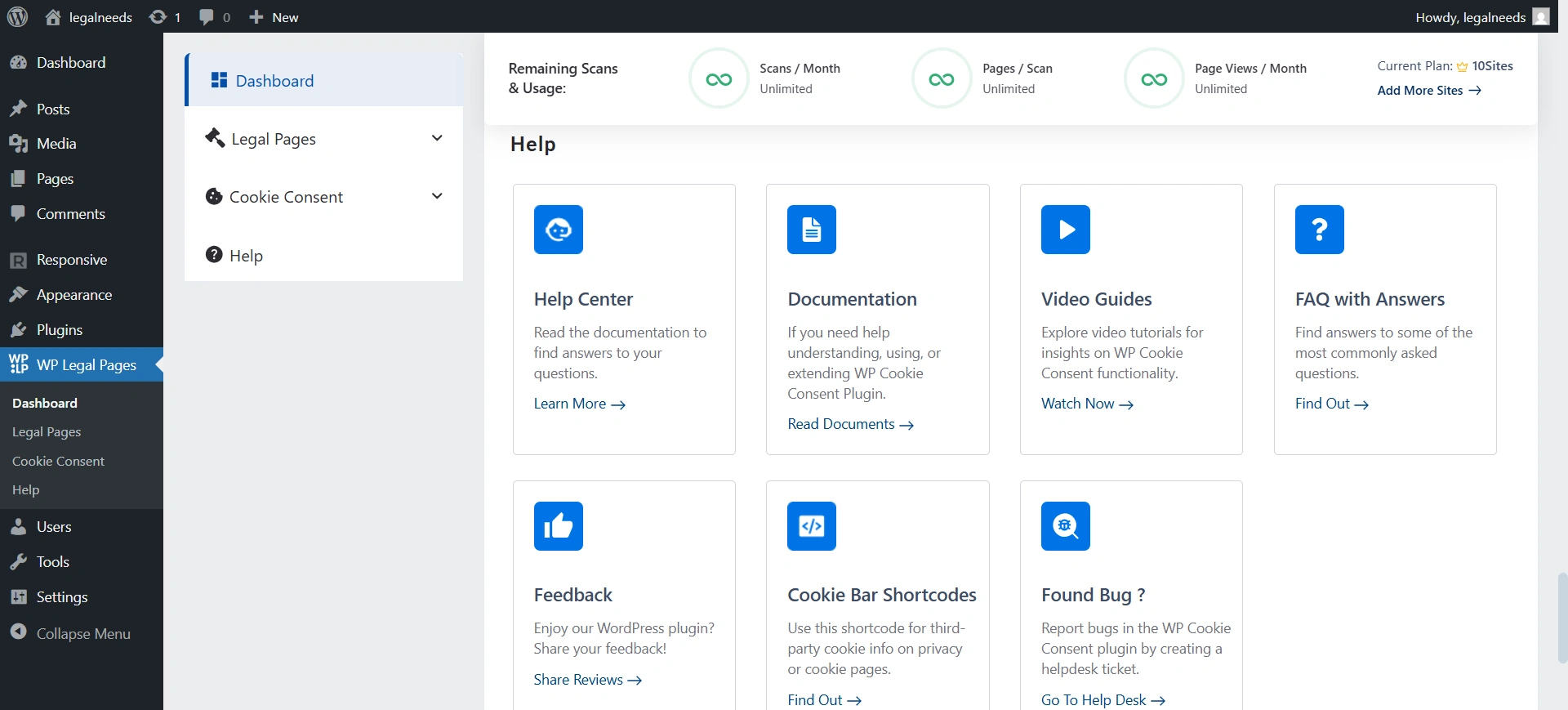
- Video Guides: Watch tutorials for setup.
- FAQ: Quick answers to common issues.
- Documentation: Full guides.
- Feedback: Share suggestions.
- Cookie Bar Shortcodes: Add banner or consent info anywhere with shortcodes.
- Found Bug?: Report issues directly to the support team.
11. Your Recent Legal Policies: Shows your most recently created or updated legal policies.


